


These are four ways to clean recorded speech on your computer. They solve different problems. A steady fan under a whole interview needs a different tool from one chair squeak over a word.
How these were picked
This September 2026 snapshot uses each maker’s documentation. It is a feature and workflow comparison, not a listening test. Every pick has a local desktop workflow. Prices and plans can change, so check the linked product pages before buying.
Audacity’s Noise Reduction guide explains the two-pass profile method and its limits. REAPER’s ReaEffects guide documents ReaFIR’s subtraction mode. iZotope’s RX edition chart shows which repair tools are in Standard. Gleam Audio’s 1.0 release notes cover its five tools.
Which one to choose
Start with Gleam Audio when you have several speech files with background noise and want them cleaned together, offline. It’s free for personal use. For one short sound over a word, RX’s Spectral Repair is the more precise tool.
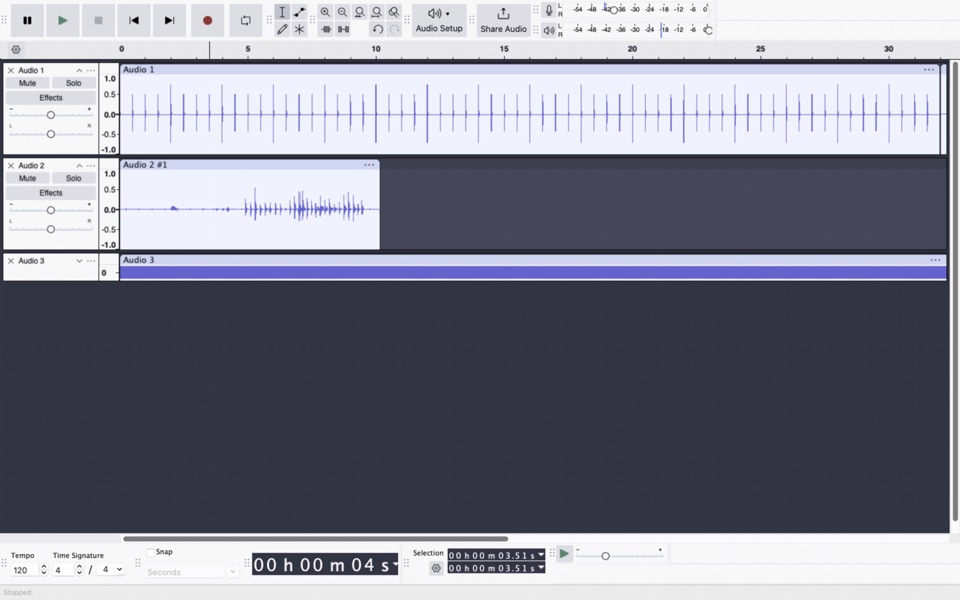
Use Audacity if the noise is steady, you can find a noise-only stretch, and you also need to cut or mix the recording. It gives you a full editor for free. Audacity’s manual warns that its main Noise Reduction effect is a poor fit for one-off sounds.
Use RX 12 Standard when a click, rustle or other short sound needs attention at a particular moment. Its Spectral Repair workflow targets a selected sound. That control takes more work and costs more than a general cleanup pass.
Use REAPER if the cleanup is one step in a larger editing and mixing session. ReaFIR works inside that session. You still need to capture a useful noise profile.
For a broader choice that includes browser tools, see the best voice noise removal apps. For a specific trade-off, read Audacity vs RX for audio repair.