 Gleam Audiohome
Blog
Guides
How to do one thing, step by step.
- GuideHow to Record a Lecture Students Can Actually HearA two minute setup for recording a lecture, where the room noise comes from, and the cleanup that makes the recording usable for revision.
- GuideHow to Remove Background Noise in DaVinci ResolveResolve's Noise Reduction and Voice Isolation, where each one lives, the controls worth touching, and when to stop and treat the audio as a file.
- GuideHow to Normalize Audio in DaVinci ResolveResolve's Normalize Audio Levels command in the Edit and Fairlight pages: the three choices in its dialog, the target to enter, and when it will not help.
- GuideHow to Remove Background Music From a VideoMusic baked into a video's mix cannot be muted out. How to tell the two cases apart, split the voice from the music, and what the result really sounds like.
- GuideNoise Reduction With Audacity: Settings That WorkAudacity's Noise Reduction works in two passes: profile the noise, then filter the recording. The exact controls, the defaults, and what to do when it fails.
- GuideHow to remove audio from a video: mute it, or clean itTwo jobs hide behind this search: make the video silent, or take the noise out of its sound and keep it. The steps for both, offline, and what won't work.
- GuideHow to Convert WAV to MP3 (and Keep the Master)Convert WAV to MP3 in one run: pick the format, set the quality for speech, name the results and check them before they leave your machine, offline.
- GuideHow to Split a Long Recording Into ChaptersSplit a long recording into chapters: mark each boundary on the picture of the sound, check every part, and save the pieces as separate files, offline.
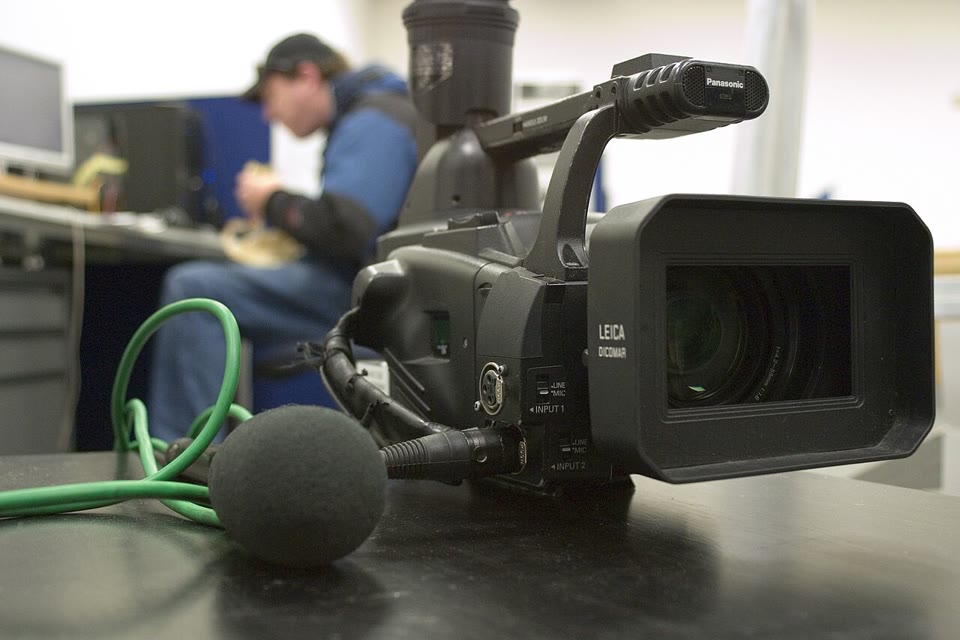 GuideHow to Reduce Background Noise in a VideoGet fans, traffic and room noise out of a video's audio: export the track, clean it offline in Gleam Audio, and put it back. Nothing is uploaded.
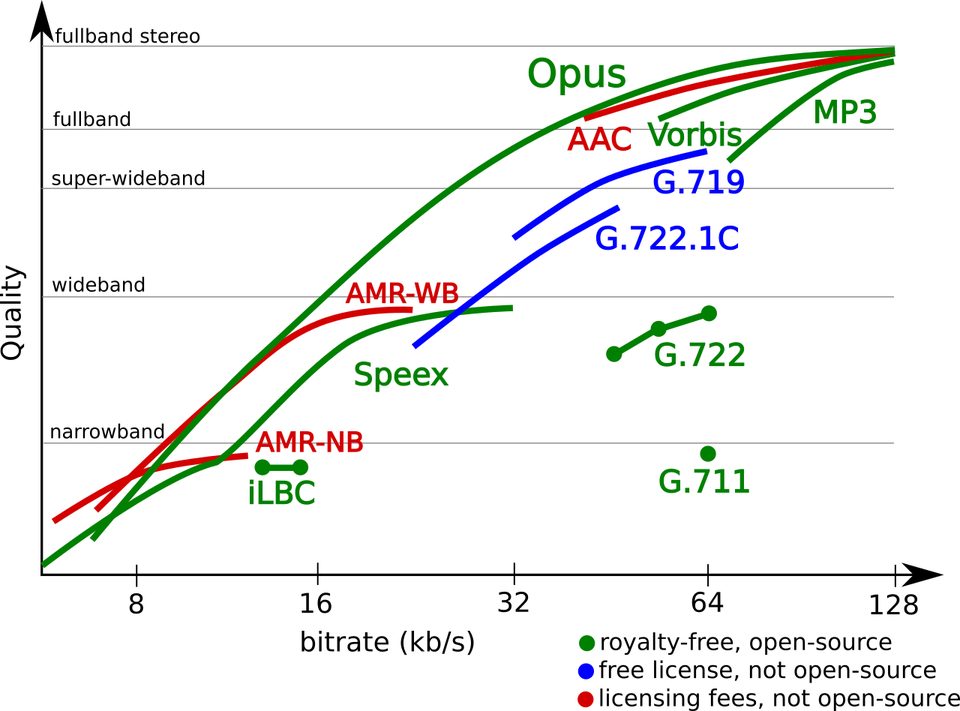 GuideWhat Is an Opus File? The Audio Codec ExplainedOpus is an open audio format that sounds better than MP3 at the same size. What Opus means, where you'll meet it, and how to open and convert it.