 Gleam Audiohome
Blog
Guides to cleaning up recordings, the best tools for the job, and how audio works.
- GuideNoise Reduction With Audacity: Settings That WorkAudacity's Noise Reduction works in two passes: profile the noise, then filter the recording. The exact controls, the defaults, and what to do when it fails.
- GuideHow to remove audio from a video: mute it, or clean itTwo jobs hide behind this search: make the video silent, or take the noise out of its sound and keep it. The steps for both, offline, and what won't work.
- GuideHow to Convert WAV to MP3 (and Keep the Master)Convert WAV to MP3 in one run: pick the format, set the quality for speech, name the results and check them before they leave your machine, offline.
- GuideHow to Split a Long Recording Into ChaptersSplit a long recording into chapters: mark each boundary on the picture of the sound, check every part, and save the pieces as separate files, offline.
 GuideHow to Reduce Background Noise in a VideoGet fans, traffic and room noise out of a video's audio: export the track, clean it offline in Gleam Audio, and put it back. Nothing is uploaded.
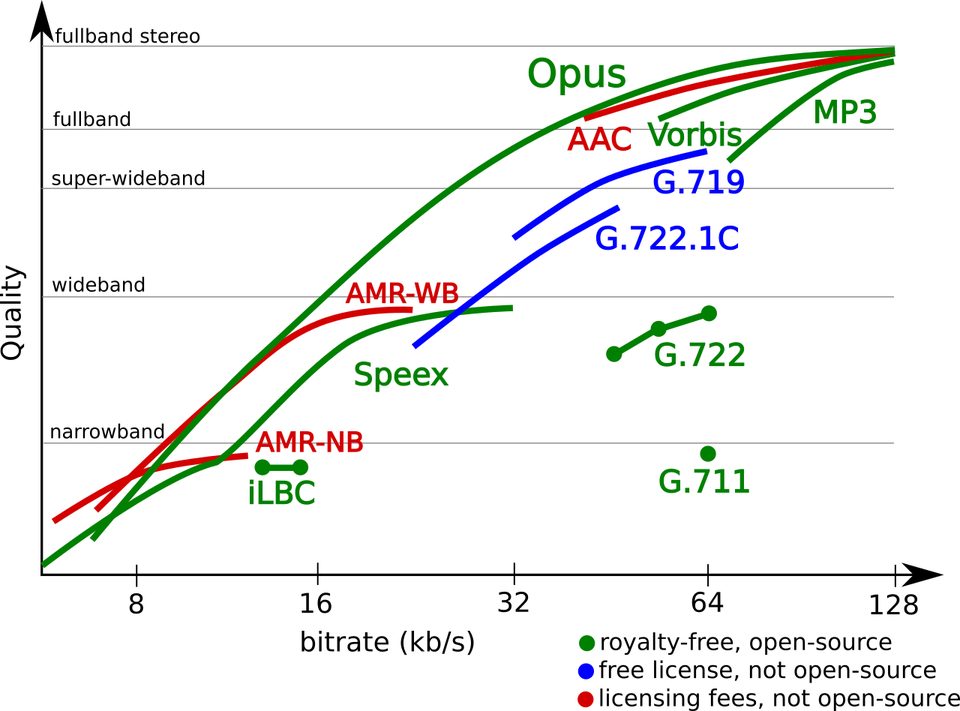 GuideWhat Is an Opus File? The Audio Codec ExplainedOpus is an open audio format that sounds better than MP3 at the same size. What Opus means, where you'll meet it, and how to open and convert it.
 Best ofBest Sound Repair Software for Damaged RecordingsRepair recorded audio by matching the damage to the tool: hiss and hum, clicks and crackle, or clipped peaks. Four picks compared, free and paid.
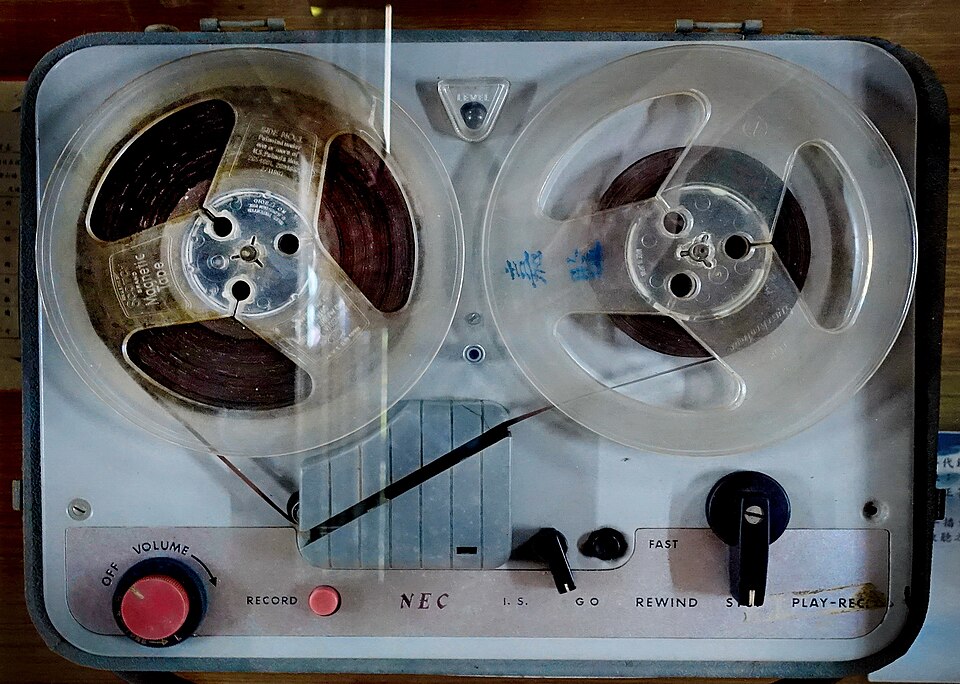 GuideAI Audio Restoration: Fix Old Recordings on Your Own ComputerRestore hissy, muffled or noisy old recordings with AI on your own computer: remove steady noise, even out the loudness, and convert. Nothing is uploaded.
 GuideAudio Leveler: How to Even Out a Recording's VolumeAn audio leveler matches a recording's loudness to where it plays: a podcast, audiobook, music streaming or broadcast. Here is the job, in Gleam Audio, offline.
 GuideMic Enhancer Software: Make a Voice Recording Sound BetterMic enhancer software fixes what makes a recording sound cheap: it takes out noise and rumble, evens the level, and sets it for where it plays. All offline.