 Gleam Audiohome
Blog
Guides to cleaning up recordings, the best tools for the job, and how audio works.
 GuideHow to Reduce Breathing Sounds in a Microphone RecordingReduce breathing sounds in a voice recording: keep the mic to the side, take out room noise, and lower the breaths that are left. All offline.
 Best ofBest Mac Apps for Podcasters: 2026Five Mac apps for podcasters compared: free starters GarageBand and Audacity, one-pass cleanup in Gleam Audio, and the full studios Logic Pro and REAPER.
 Guide7 Pre-Publish Checks Before You Export a Podcast EpisodeSeven checks that catch costly mistakes before an episode ships: loudness, true peak, noise, clipping, format, metadata, and a backup.
 Guide8 Things Every YouTuber Should Fix in Their Audio SetupEight audio fixes that make a video watchable: room noise, loudness near -14 LUFS, true peak, steady levels, and an export YouTube accepts.
- ArticleThe Complete Guide to Cleaning Up Spoken AudioA plain guide to cleaning spoken audio: the kinds of noise, what to fix while recording versus after, the loudness targets platforms expect, and how to check.
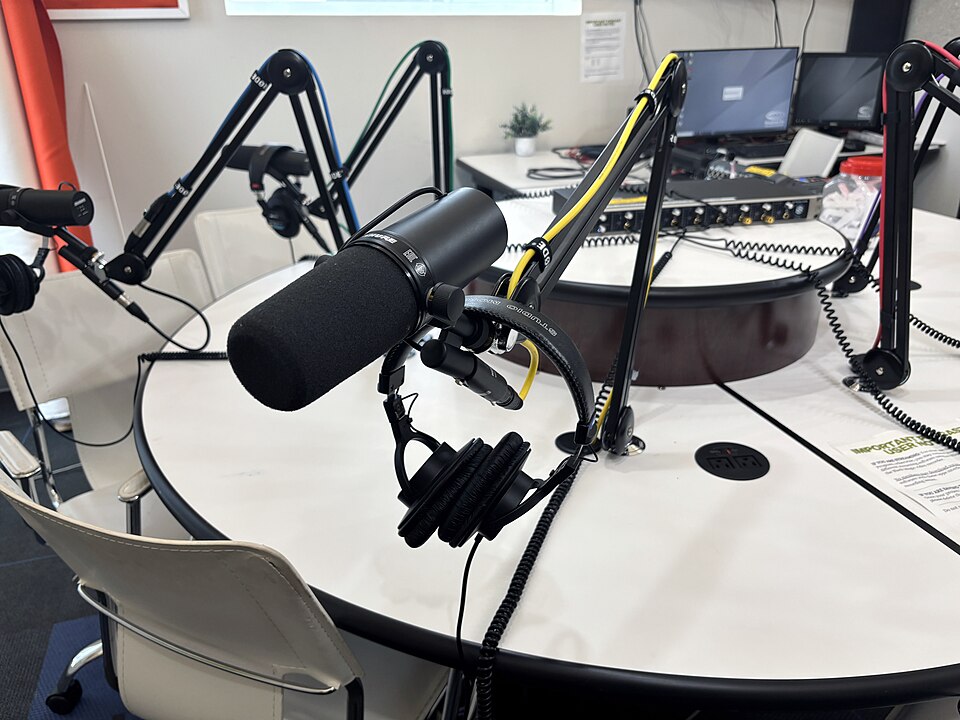 ArticleWhy Does Noise Reduction Make My Voice Sound Robotic?Noise reduction can damage speech as it removes background sound. Learn how to spot the cause, adjust your settings, and compare results in Gleam Audio.
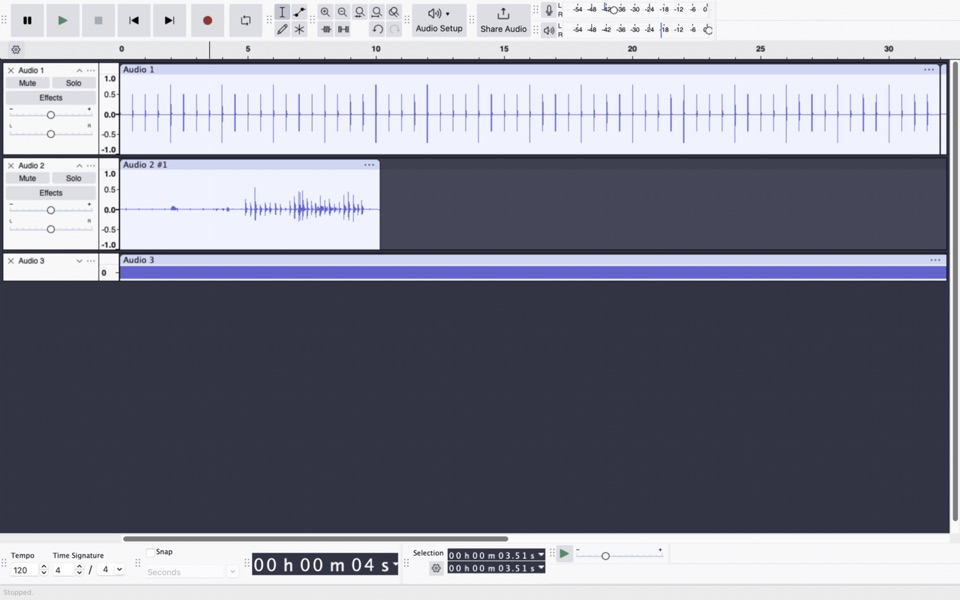 Best ofBest Offline Noise Removal Apps for Speech: September 2026Four desktop tools for cleaning recorded speech without an upload. Compare quick batch cleanup, manual editing, and detailed repair before choosing one.
- Best ofBest Podcast Audio Cleanup Apps: September 2026Seven ways to clean and finish spoken episodes, from transcript edits and multitrack mixes to automatic leveling and local batch processing.
- Best ofBest Voice Noise Removal Apps: September 2026Seven tools for cleaning noise from spoken recordings. See which fit steady hum, echo, one-off sounds, full podcast edits, or a batch of files.
 GuideHow to Remove Background Noise From a Voice Recording, OfflineClean fans, hum, traffic and room noise out of a voice recording on your own computer, step by step, with nothing uploaded. Works on Mac, Windows and Linux.