
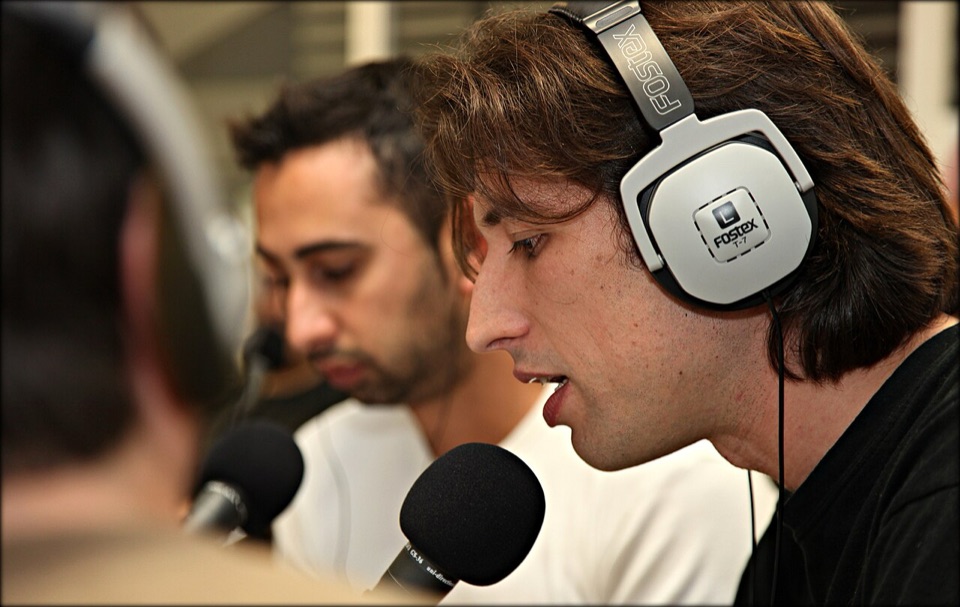


A one-page checklist to print or keep open while you record. Here’s what’s in it.
Before you record
- Turn off fans, air conditioning and notifications you can control.
- Record in the smallest, softest room you have; soft furnishings cut echo.
- Put the mic close to your mouth, a hand’s width away, slightly off-axis.
- Do a 30-second test, and listen back on headphones. The free mic test does this in your browser.
While recording
- Record 10 seconds of silence first: room tone, for cleanup later.
- Keep peaks well below clipping. You can make a quiet recording louder; you can’t fix a clipped one.
- Record each speaker on their own track if you can.
After recording
- Back up the raw files before you touch them.
- Remove noise, then fix loudness (in that order), then cut.
- Export to the format your host asks for, usually mp3.
- Check the loudness with the free LUFS meter.
- Listen to the first and last minute of the final file.